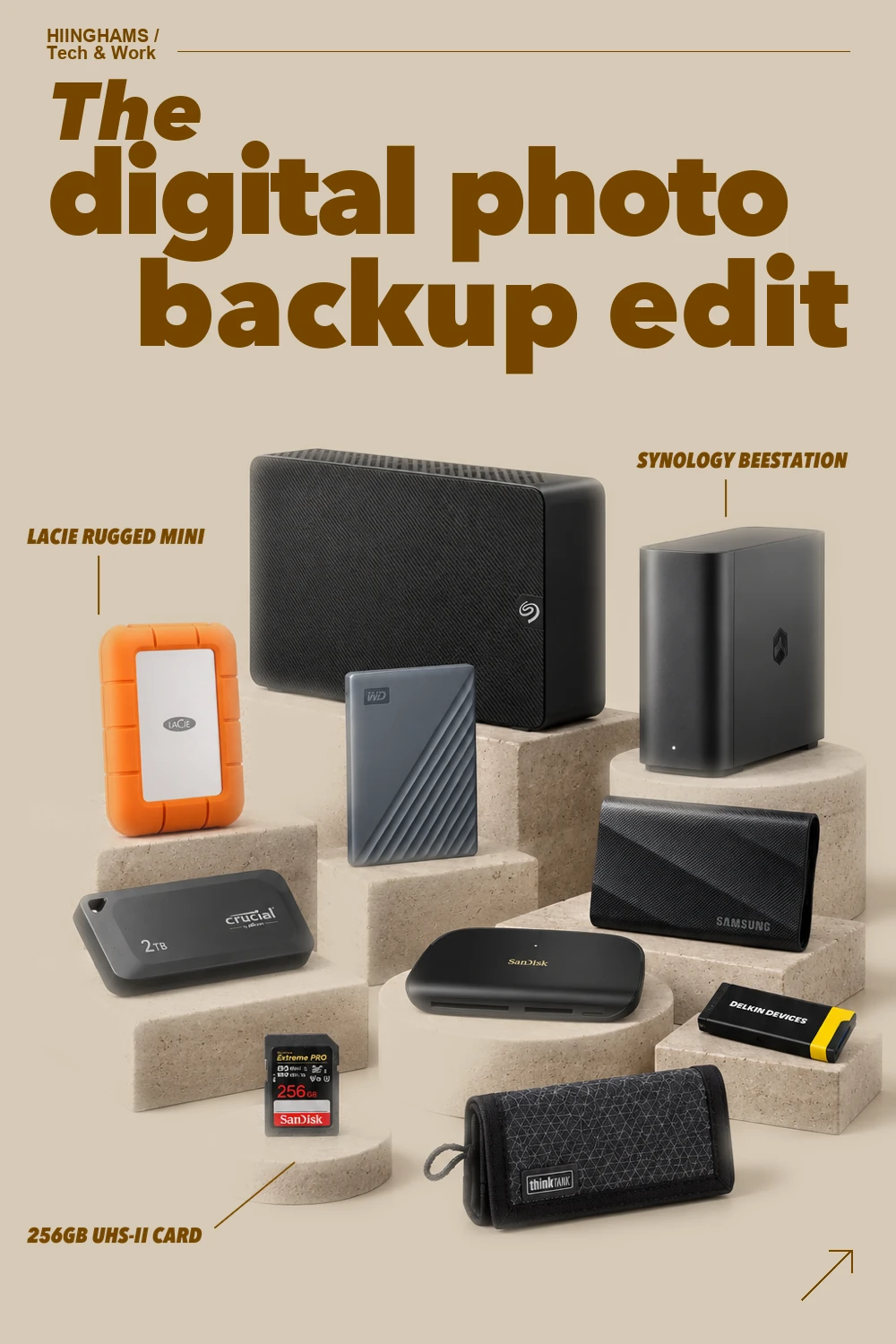
A good photo backup routine is a small system, not a single drive. This edit moves from card offload to fast working storage and then to a second local or network copy, with ten exact pieces chosen to make that routine easier to repeat. Keep the originals on the card until two verified copies exist, and treat any drive as replaceable hardware rather than the only home for irreplaceable photographs.
This guide contains affiliate links. If you buy through them, Hiinghams may earn a commission at no extra cost to you.
The quick take
Make two copies first
Do not format a memory card until the files exist in two separate, checked locations.
Separate work from archive
Use a fast portable drive for active edits and a larger desktop or network device for the second copy.
Verify before clearing
Open a sample of files, compare folder counts and let the backup finish before reusing the card.
Recommendations
How to choose
Start with the cards your camera actually uses and buy a reader that matches them: SD, microSD, CompactFlash or CFexpress Type A are not interchangeable. Then choose a fast working drive with enough headroom for current projects and a physically separate second destination with greater capacity. A personal-cloud appliance can make automatic access easier, while a desktop hard drive remains a straightforward high-capacity archive; neither is a substitute for another copy in a different location. Use reputable cables, keep drives ventilated, label them clearly and test that you can restore a folder before trusting the routine.
The calmest workflow is the one you can repeat after every shoot: card to computer, first copy to working storage, second copy to a separate archive, then a quick verification. Keep one more copy away from the desk for the photographs you cannot recreate, review drive health periodically and replace any device that begins behaving unpredictably.
The shopping list
10 things, well chosen.
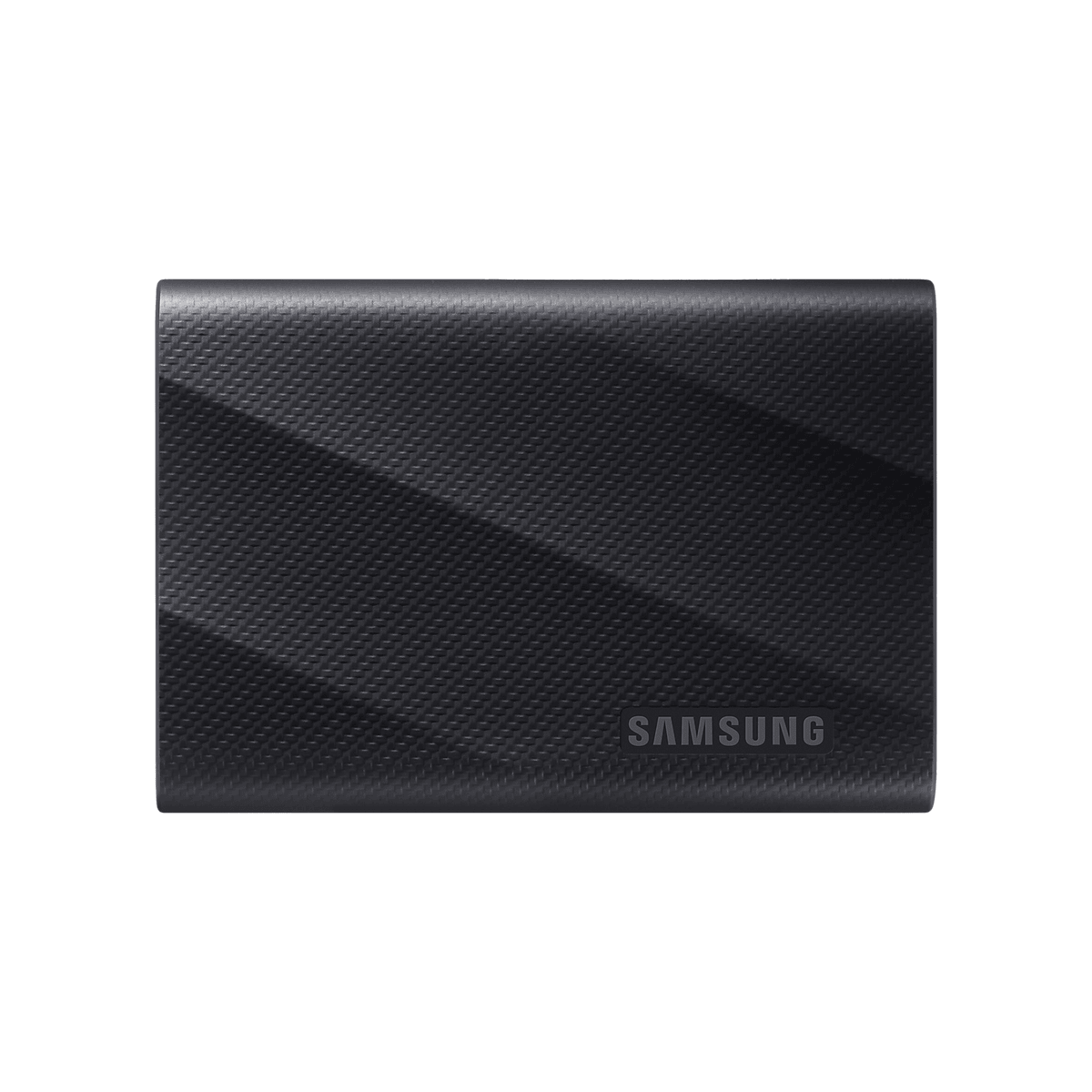
Samsung Portable SSD T9 2TB Black (MU-PG2T0B/EU)
A compact, fast USB-C SSD for an active photo library or a first copy made immediately after a shoot.
Browse matches on Amazon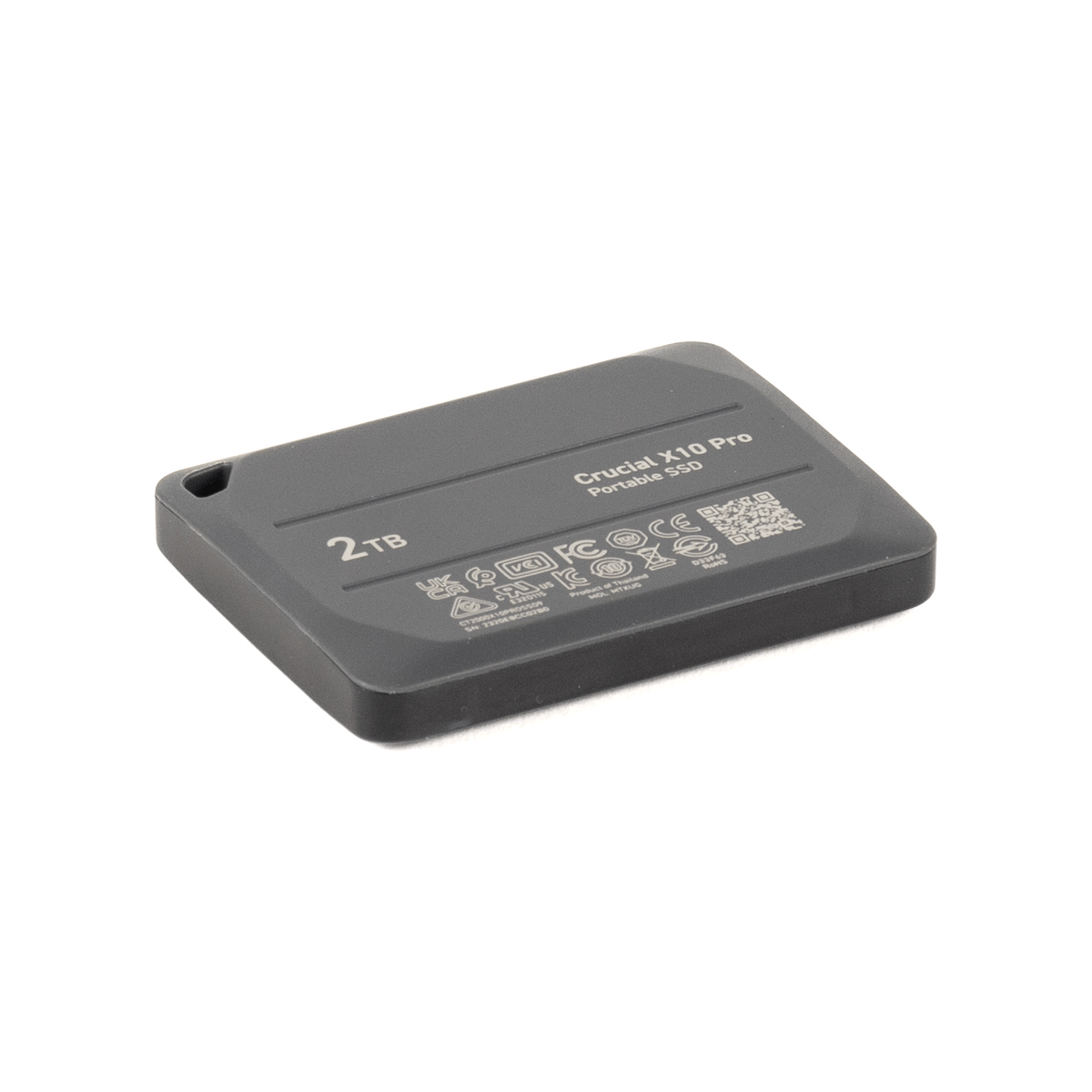
Crucial X10 Pro 2TB Portable SSD (CT2000X10PROSSD9)
A small high-speed working drive with hardware encryption for photographers who edit across more than one machine.
Browse matches on Amazon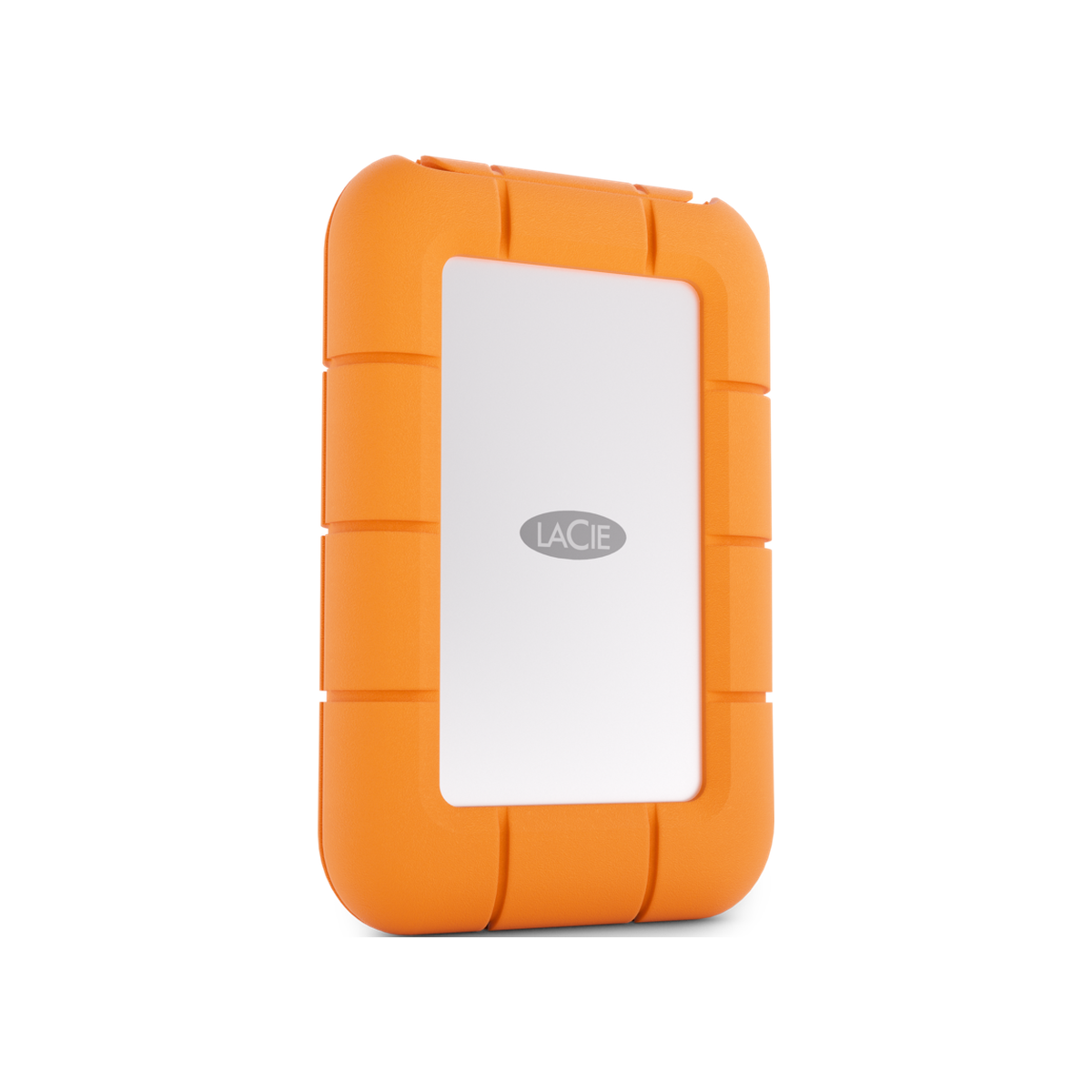
LaCie Rugged Mini SSD 2TB (STMF2000400)
A conspicuous orange, field-ready SSD that is easy to spot in a camera bag and sensible for travel copies.
Browse matches on Amazon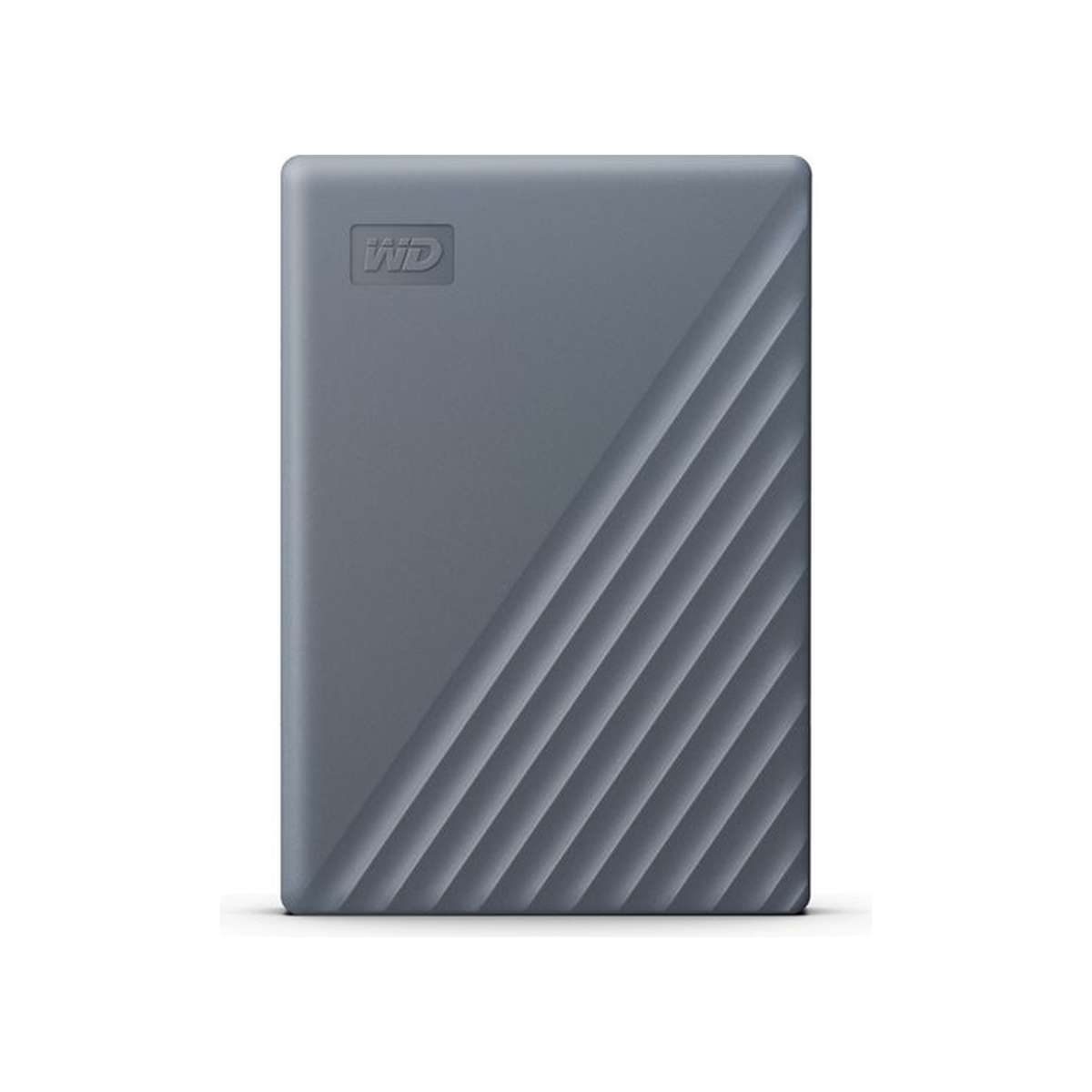
WD My Passport 4TB USB-C Portable Hard Drive Grey (WDBRMD0040BGY-WESN)
A portable 4TB hard drive for a roomy second copy when SSD speed matters less than capacity.
Browse matches on Amazon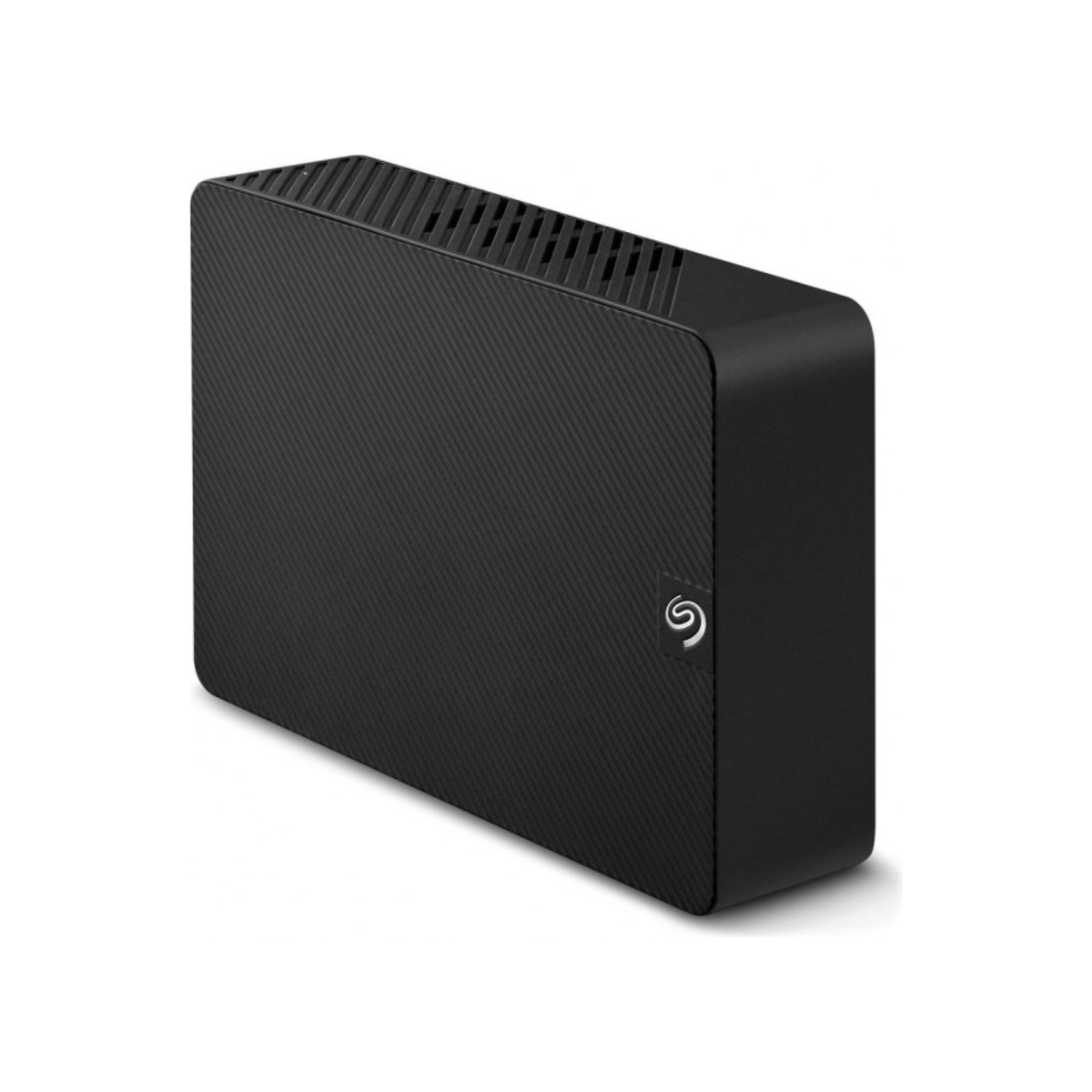
Seagate Expansion Desktop 8TB External Hard Drive (STKP8000400)
A simple high-capacity desktop destination for completed shoots, exports and a broader photo archive.
Browse matches on Amazon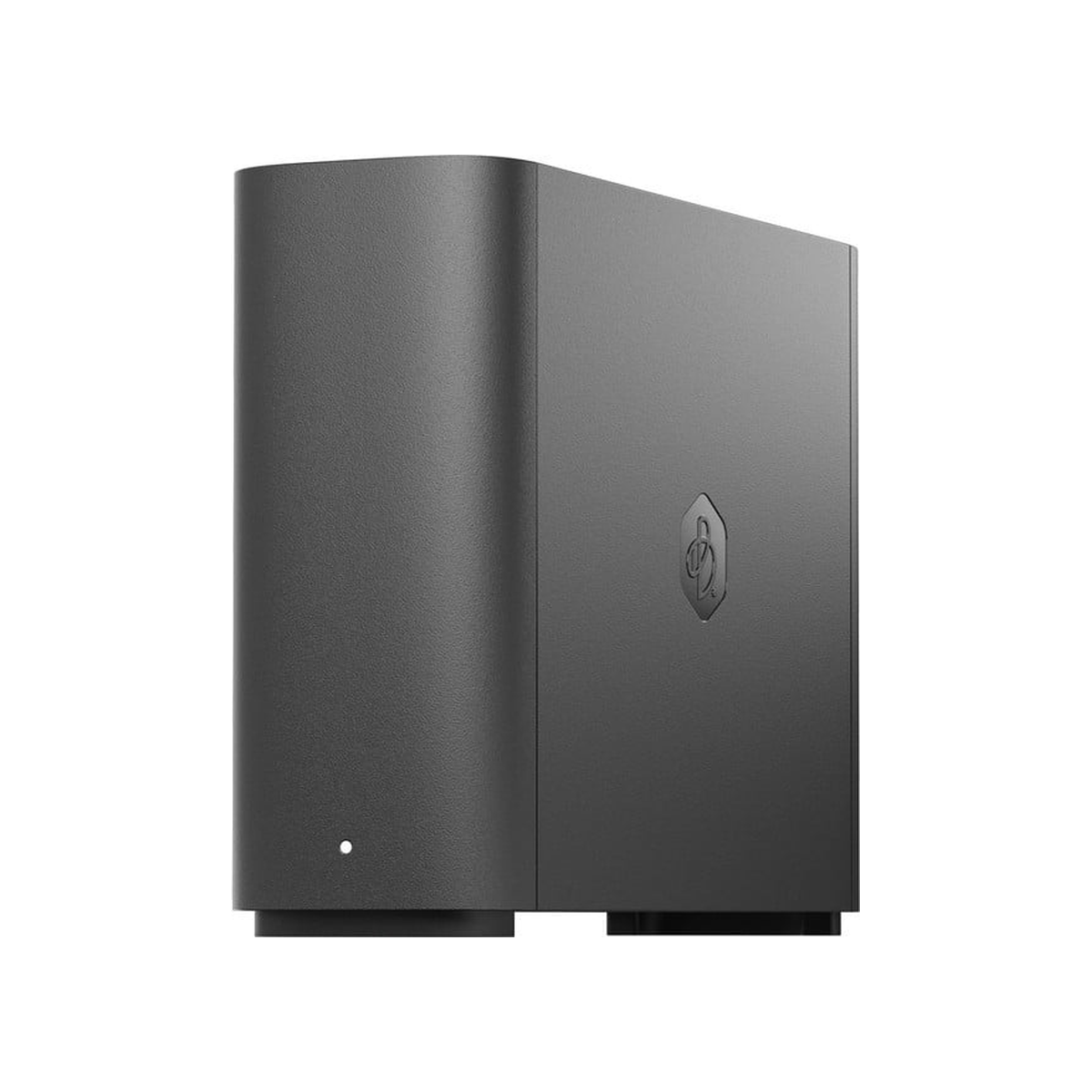
Synology BeeStation 4TB Personal Cloud (BST150-4T)
A preconfigured personal-cloud appliance for centralising files and making phone and computer photo backups easier to automate.
Browse matches on Amazon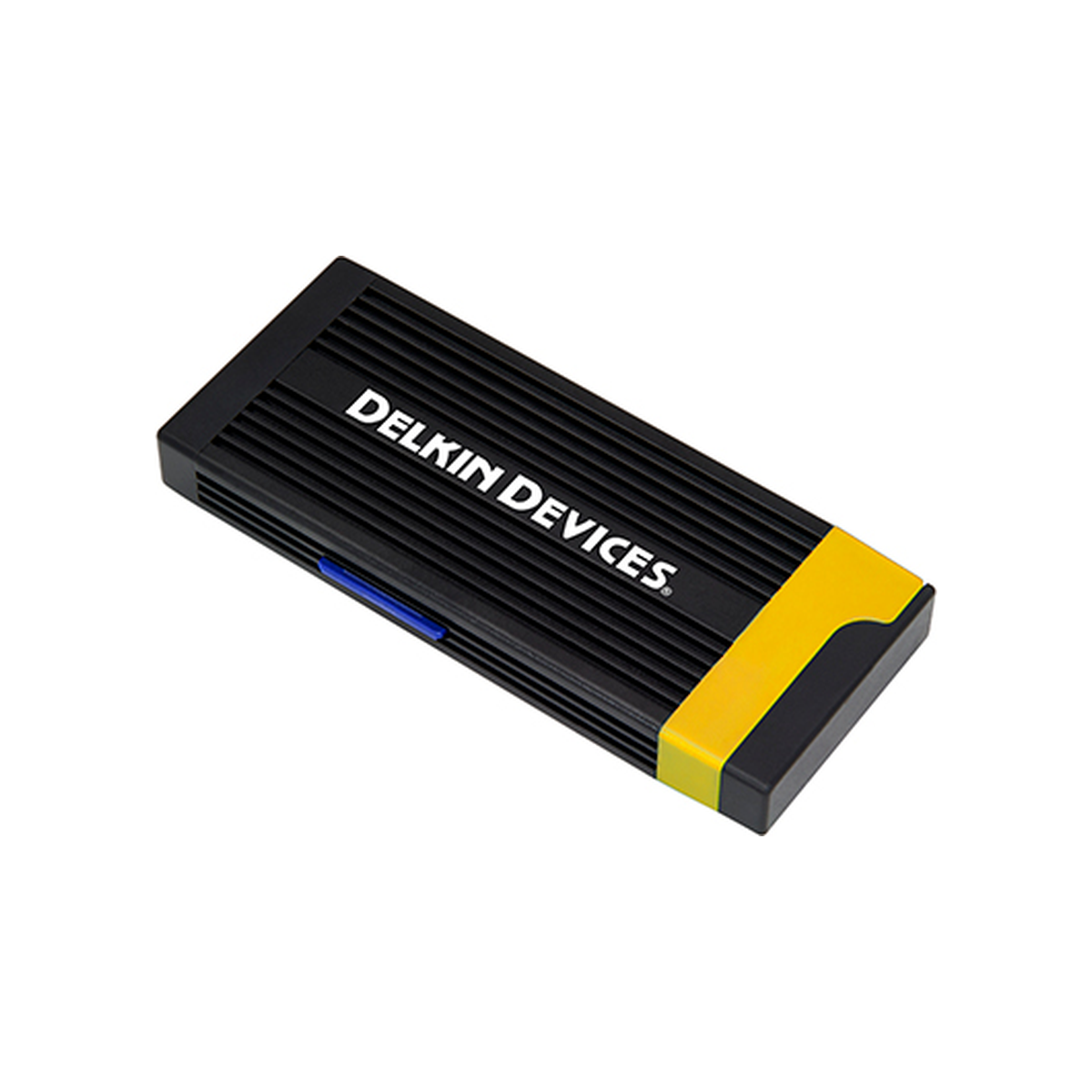
Delkin CFexpress Type A / SD Card Reader (DDREADER-58)
A dual-format reader for photographers who use CFexpress Type A and UHS-II SD cards in the same kit.
Browse matches on Amazon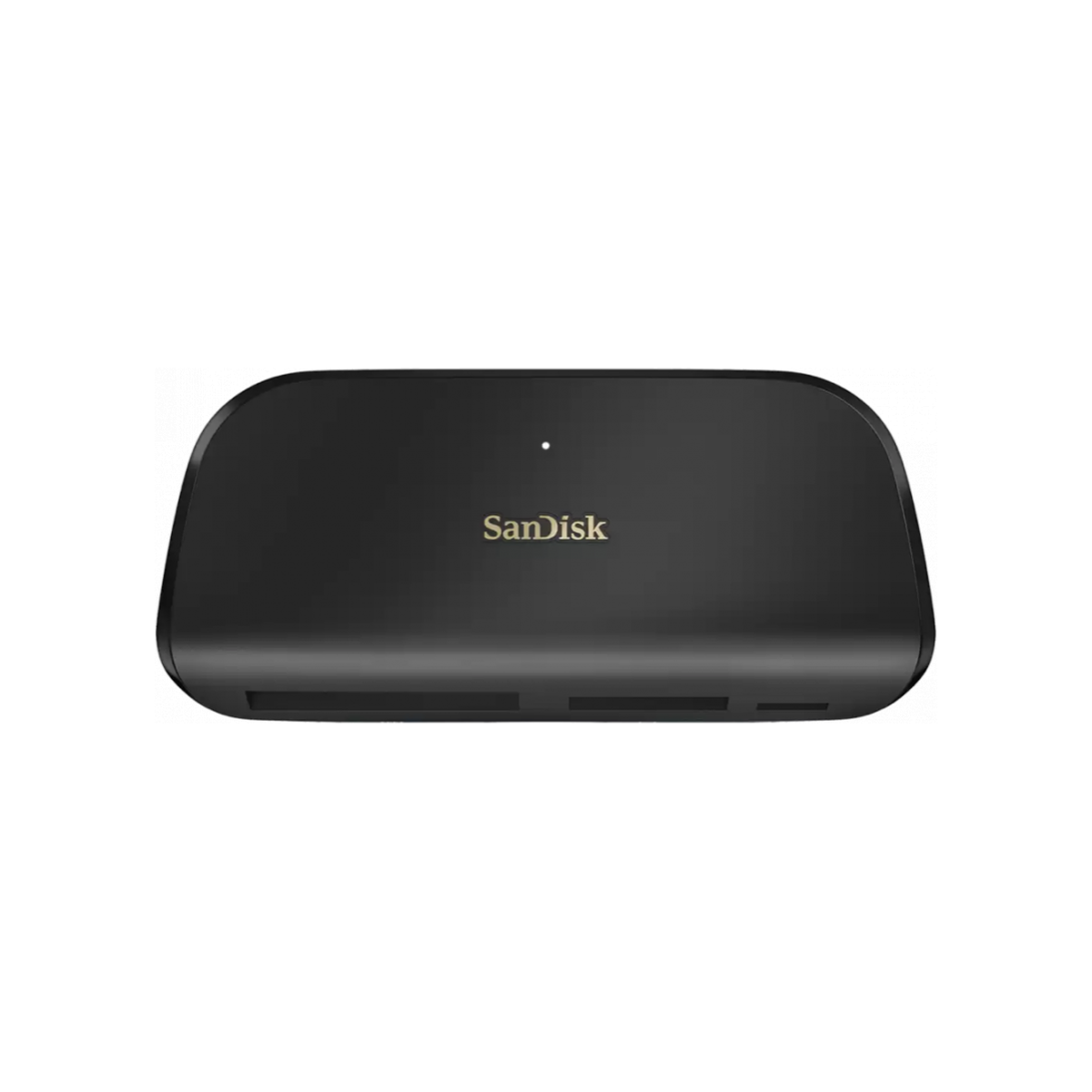
SanDisk ImageMate PRO USB-C Multi-Card Reader/Writer (SDDR-A631)
A desktop reader that keeps SD, microSD and CompactFlash offloads together in one familiar device.
Browse matches on Amazon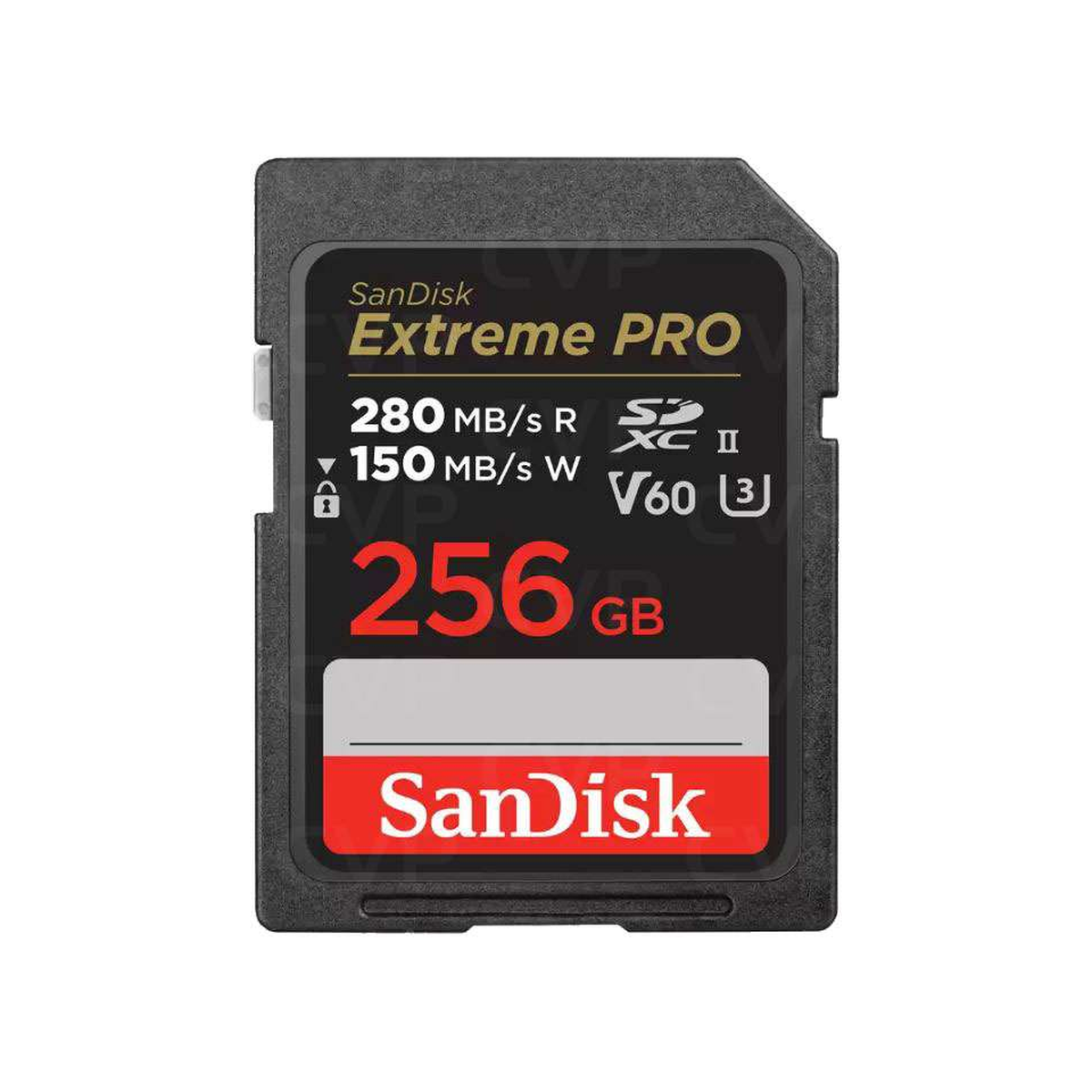
SanDisk Extreme PRO SDXC UHS-II V60 256GB (SDSDXEP-256G-GN4IN)
A 256GB UHS-II V60 card for compatible cameras, with enough space to reduce unnecessary card changes during a shoot.
Browse matches on Amazon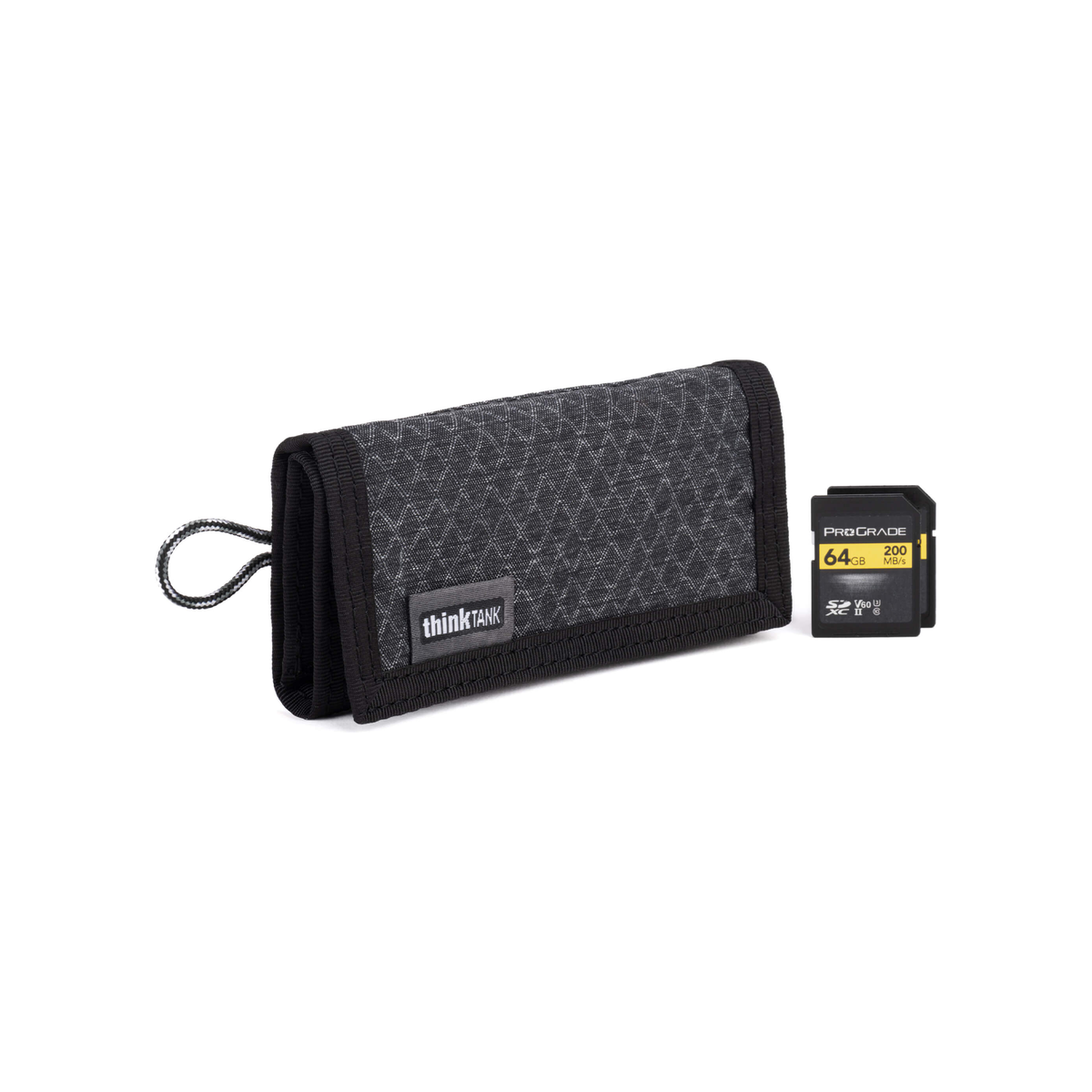
Think Tank Photo SD Pixel Pocket Rocket V2.0 Slate Black
A slim labelled wallet that helps separate unused cards from cards still waiting to be backed up.
Browse matches on Amazon