
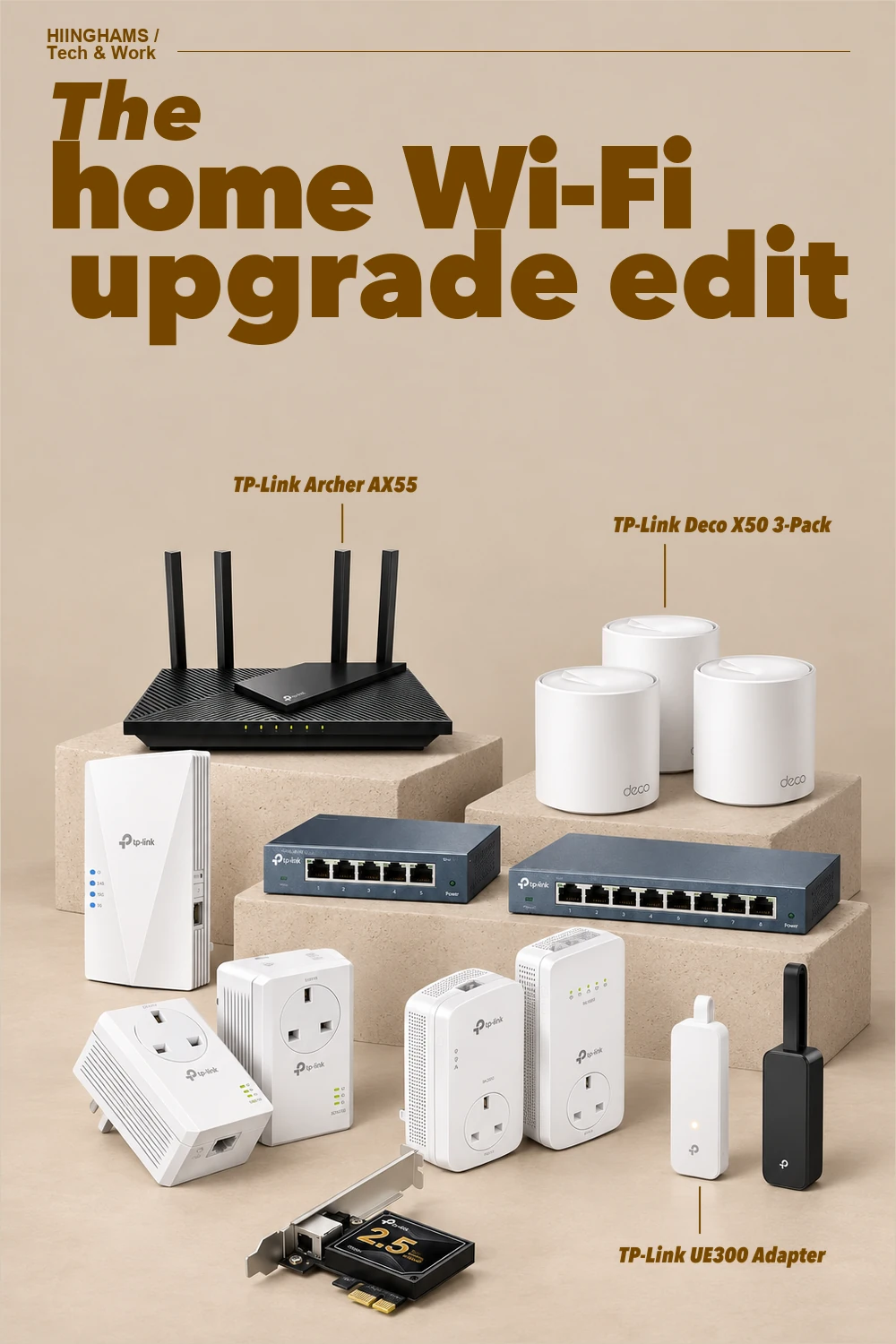
A better home network begins with the weak point you can actually identify. That might mean replacing an ageing router, using a mesh system across several rooms, extending one awkward corner, or giving a desk, television or console a dependable wired link. This edit brings together ten exact TP-Link products available to UK shoppers, covering whole-home Wi-Fi, focused extensions, simple switching, powerline links and computer adapters.
This guide contains affiliate links. If you buy through them, Hiinghams may earn a commission at no extra cost to you.
The quick take
Fix the right layer
Choose a new router for the main connection, mesh for broad multi-room coverage, or an extender for one isolated weak area.
Wire fixed devices
A compact Gigabit switch can give televisions, consoles and desktop computers stable Ethernet without using more Wi-Fi capacity.
Use existing wiring carefully
Powerline kits can reach rooms where wireless signals struggle, while USB and PCIe adapters add a wired port to the device itself.
Recommendations
How to choose
Start by mapping where the connection slows down. If the main router is old or lacks Wi-Fi 6, replace that first. For several weak rooms, a matched mesh system is usually cleaner than stacking unrelated extenders; for one room, a well-placed extender may be enough. Use an unmanaged switch wherever several stationary devices share one Ethernet run. Powerline performance depends on the home's electrical circuits, so treat it as a practical option for hard-to-reach rooms rather than a guaranteed substitute for Ethernet. Finally, match the computer adapter to the port you have: USB-A for a quick Gigabit connection, or PCIe when a desktop needs a permanent 2.5 Gigabit link.
A home network feels calmer when every component solves a specific problem. One capable router or mesh system, a small wired backbone and only the adapters the household actually needs will usually do more than adding random boosters room by room.
The shopping list
10 things, well chosen.
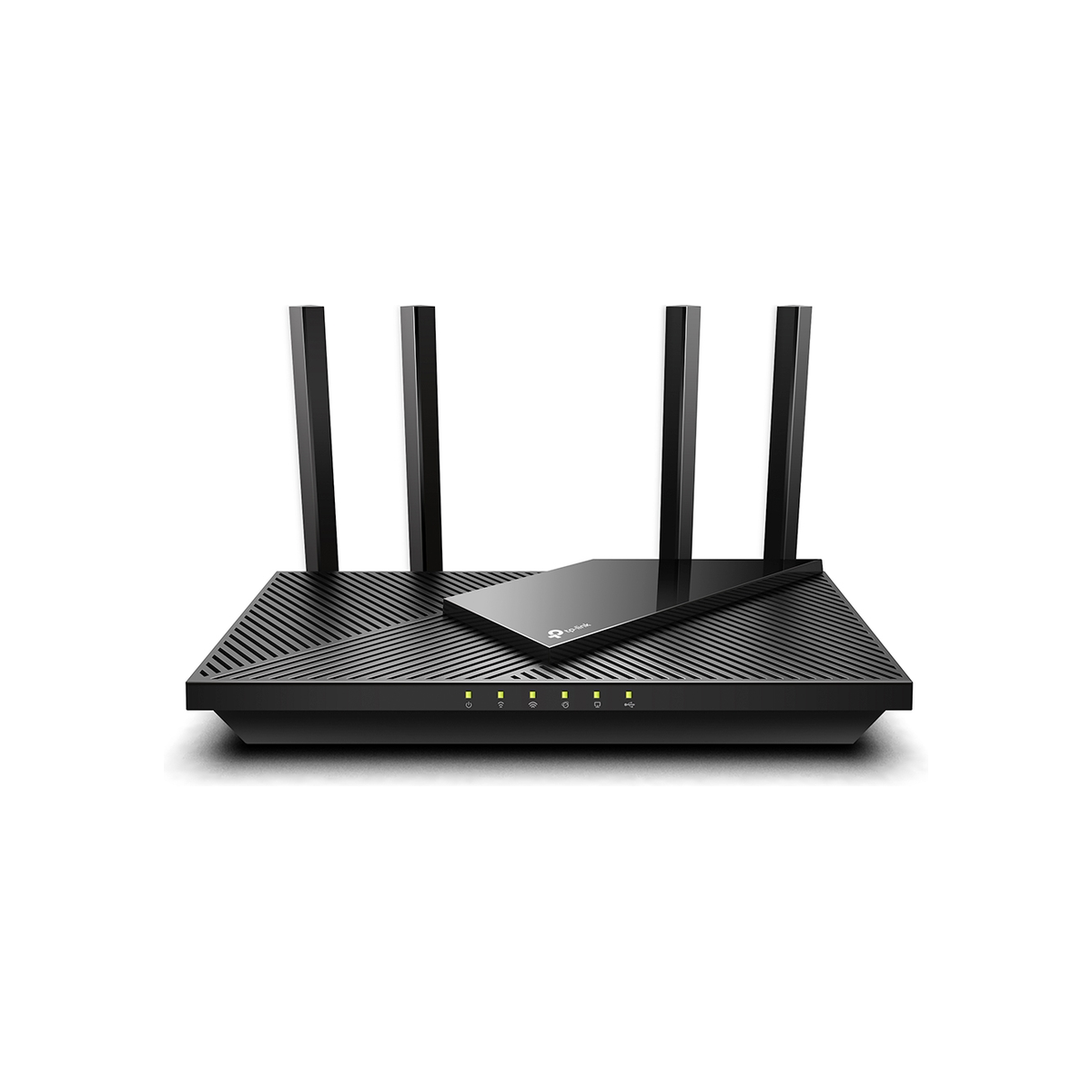
TP-Link Archer AX55 AX3000 Dual Band Gigabit Wi-Fi 6 Router
A dual-band Wi-Fi 6 router with four external antennas, Gigabit ports, USB 3.0 and EasyMesh compatibility for a straightforward main-router upgrade.
Browse matches on Amazon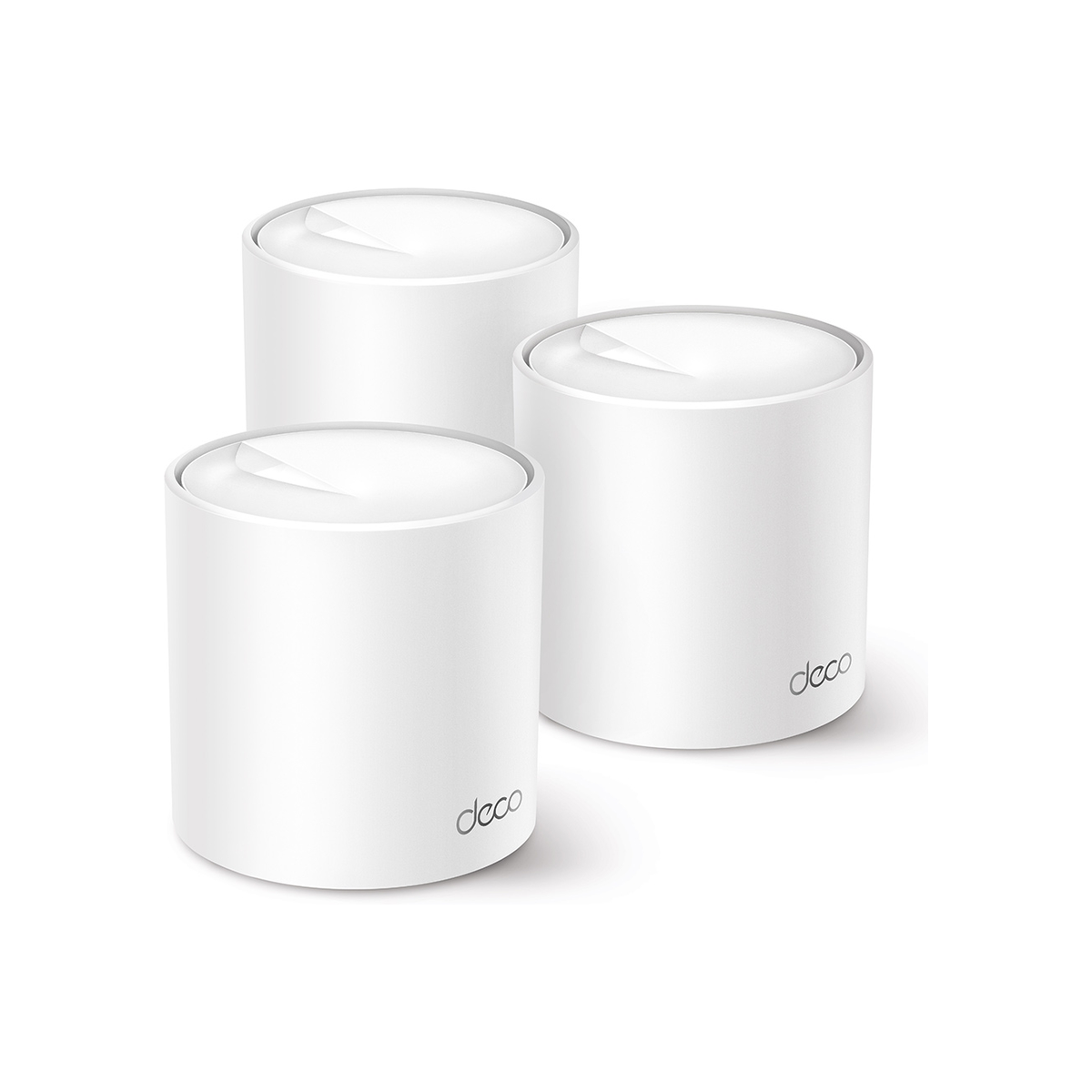
TP-Link Deco X50 AX3000 Whole Home Mesh Wi-Fi 6 System 3-Pack
A three-unit Wi-Fi 6 mesh system designed to create one network across a larger home, with three Gigabit ports on each Deco unit.
Browse matches on Amazon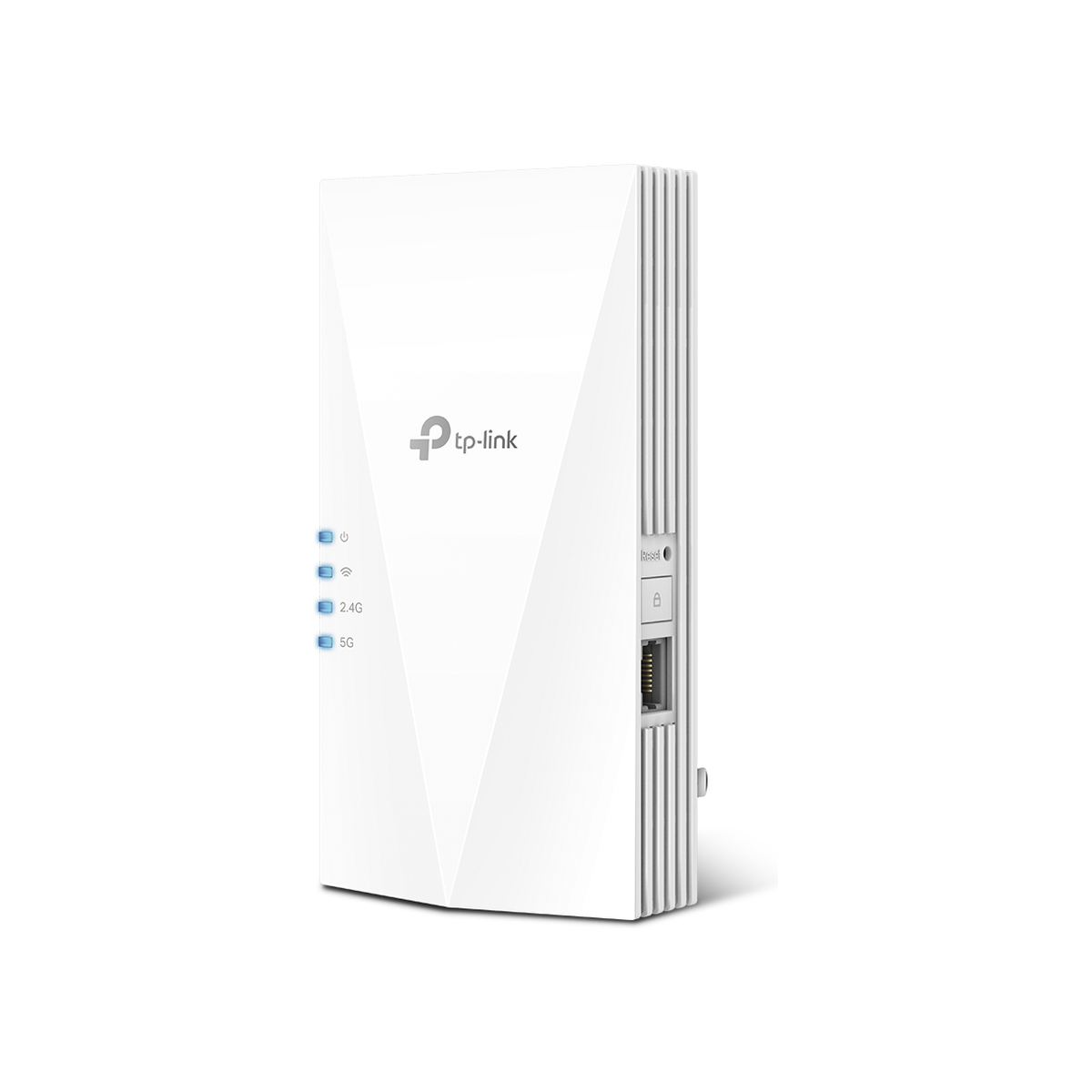
TP-Link RE700X AX3000 Mesh Wi-Fi 6 Extender
A plug-in dual-band Wi-Fi 6 extender with EasyMesh support, access-point mode and a Gigabit Ethernet port for one difficult coverage zone.
Browse matches on Amazon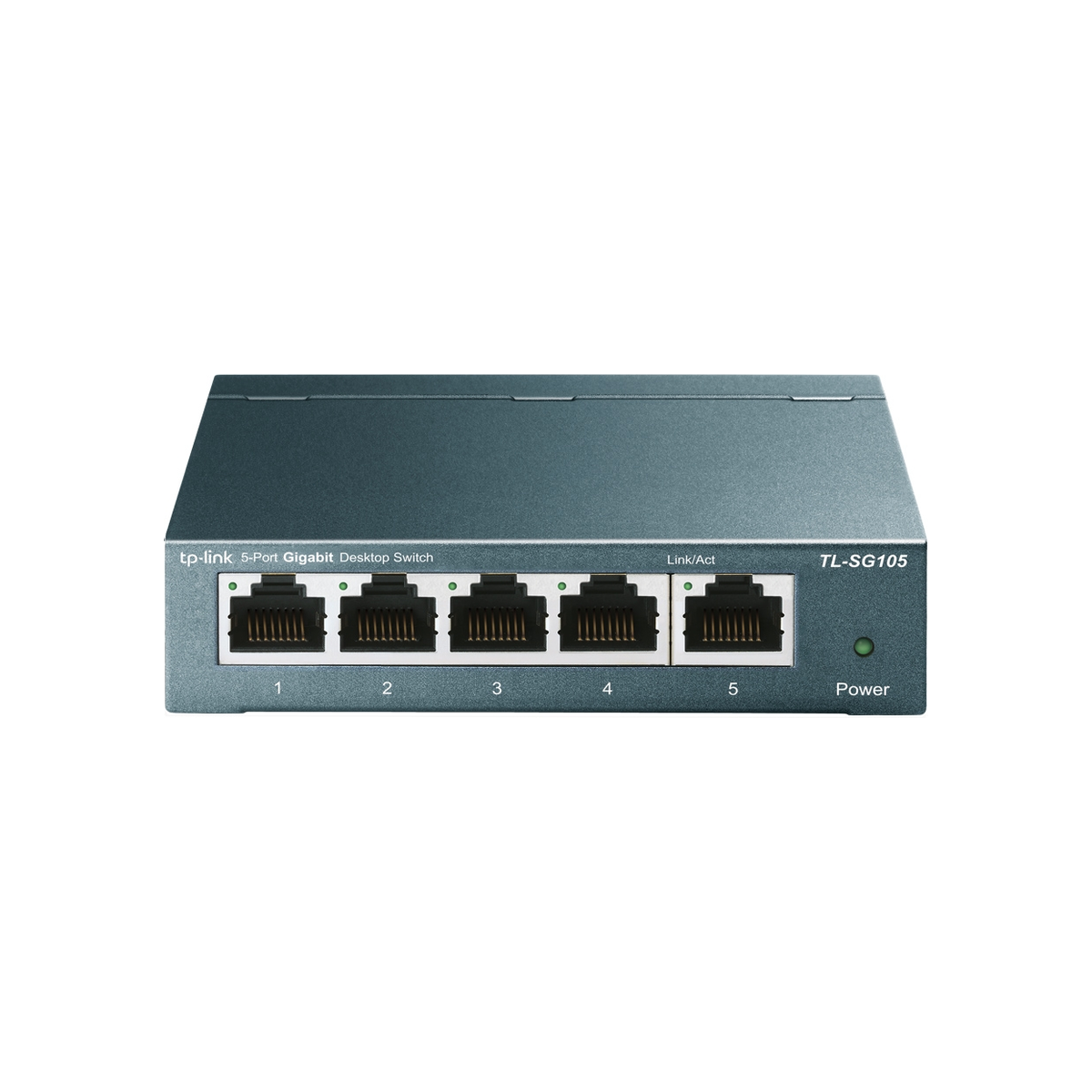
TP-Link TL-SG105 5-Port Gigabit Desktop Switch
A compact unmanaged metal switch that adds five Gigabit Ethernet ports to a desk, television unit or small home-office setup.
Browse matches on Amazon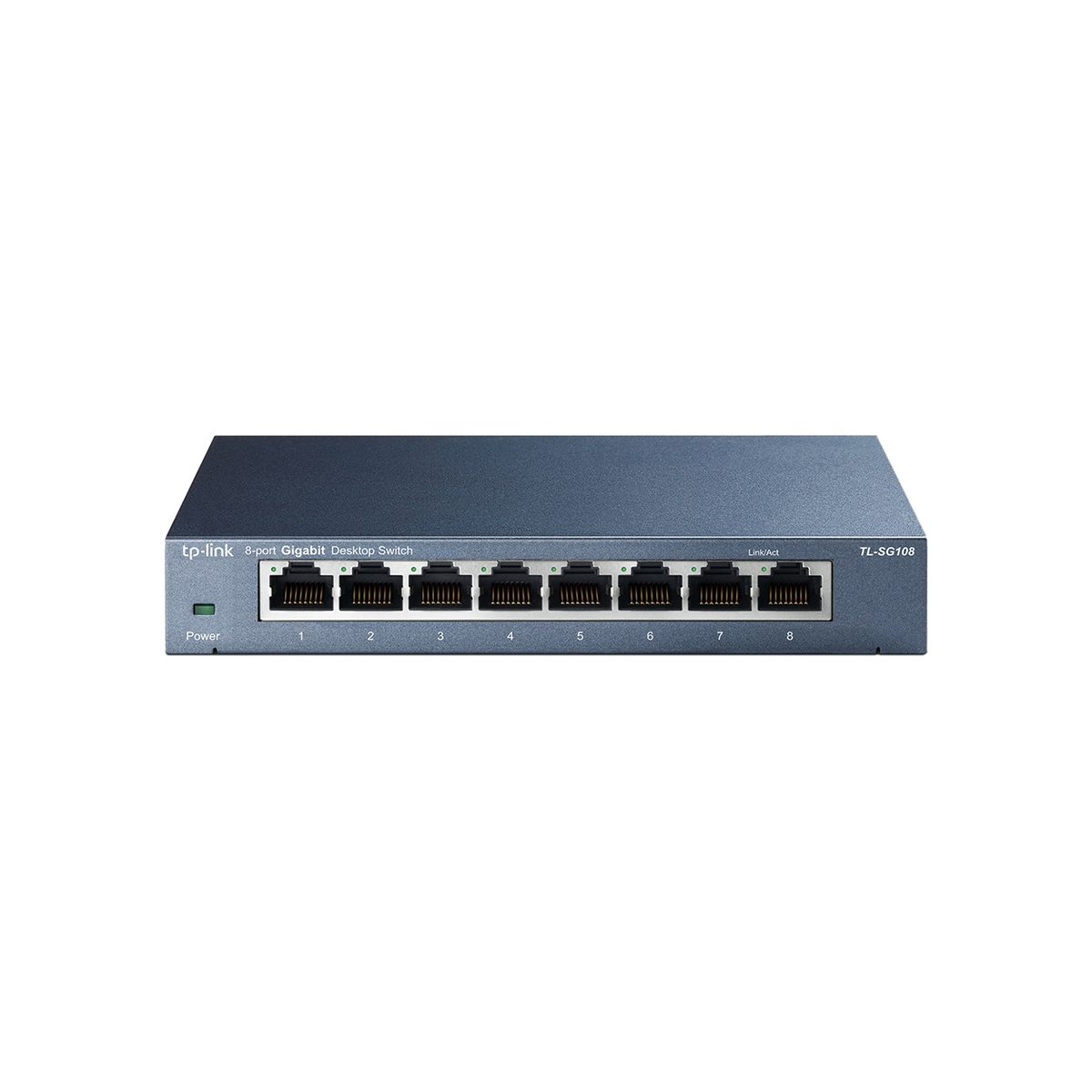
TP-Link TL-SG108 8-Port Gigabit Desktop Switch
An eight-port unmanaged Gigabit switch for rooms with several fixed devices, using a fanless metal housing for quiet operation.
Browse matches on Amazon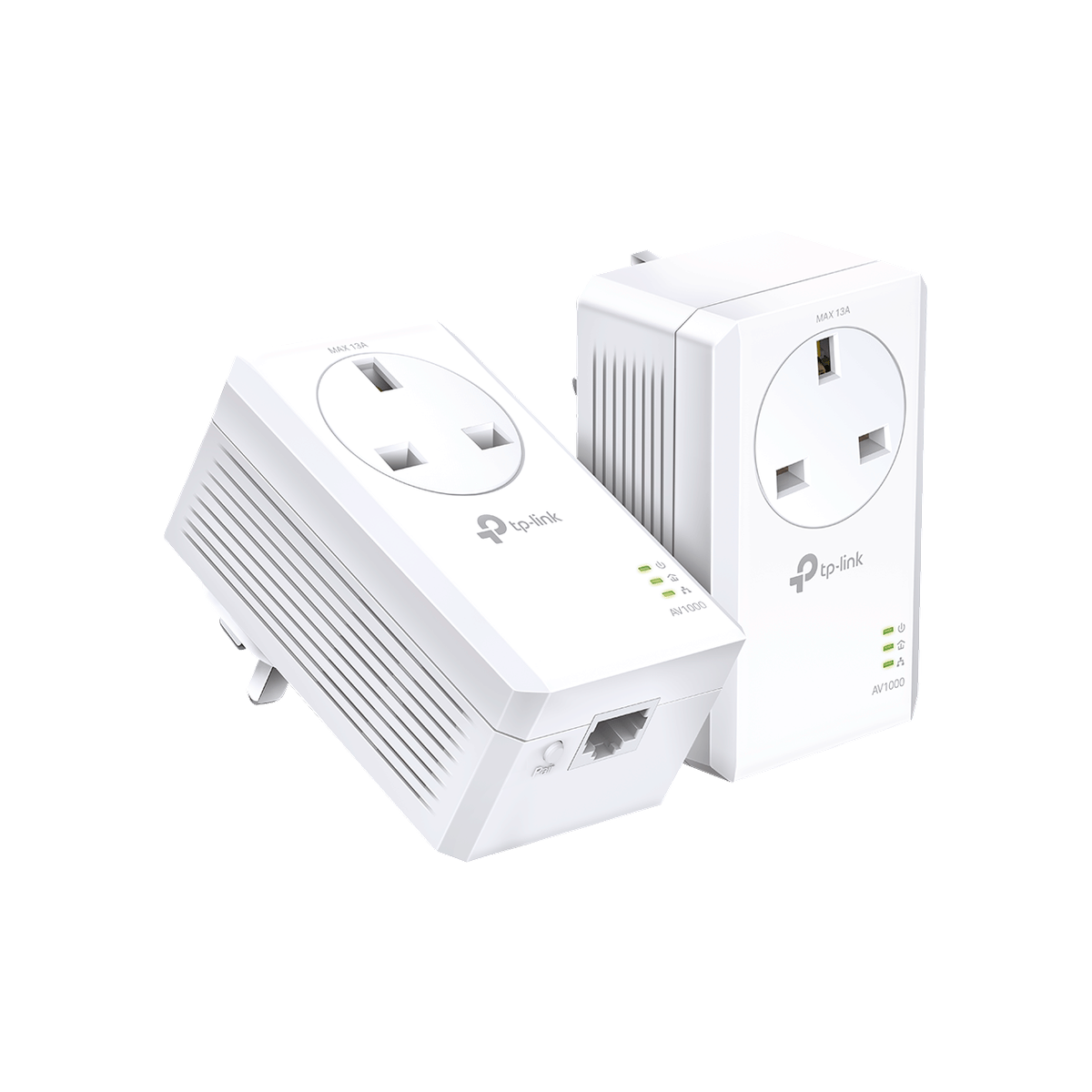
TP-Link TL-PA7017P KIT AV1000 Gigabit Passthrough Powerline Starter Kit
A two-adapter AV1000 powerline kit with UK passthrough sockets and one Gigabit port per adapter for carrying a wired link over mains wiring.
Browse matches on Amazon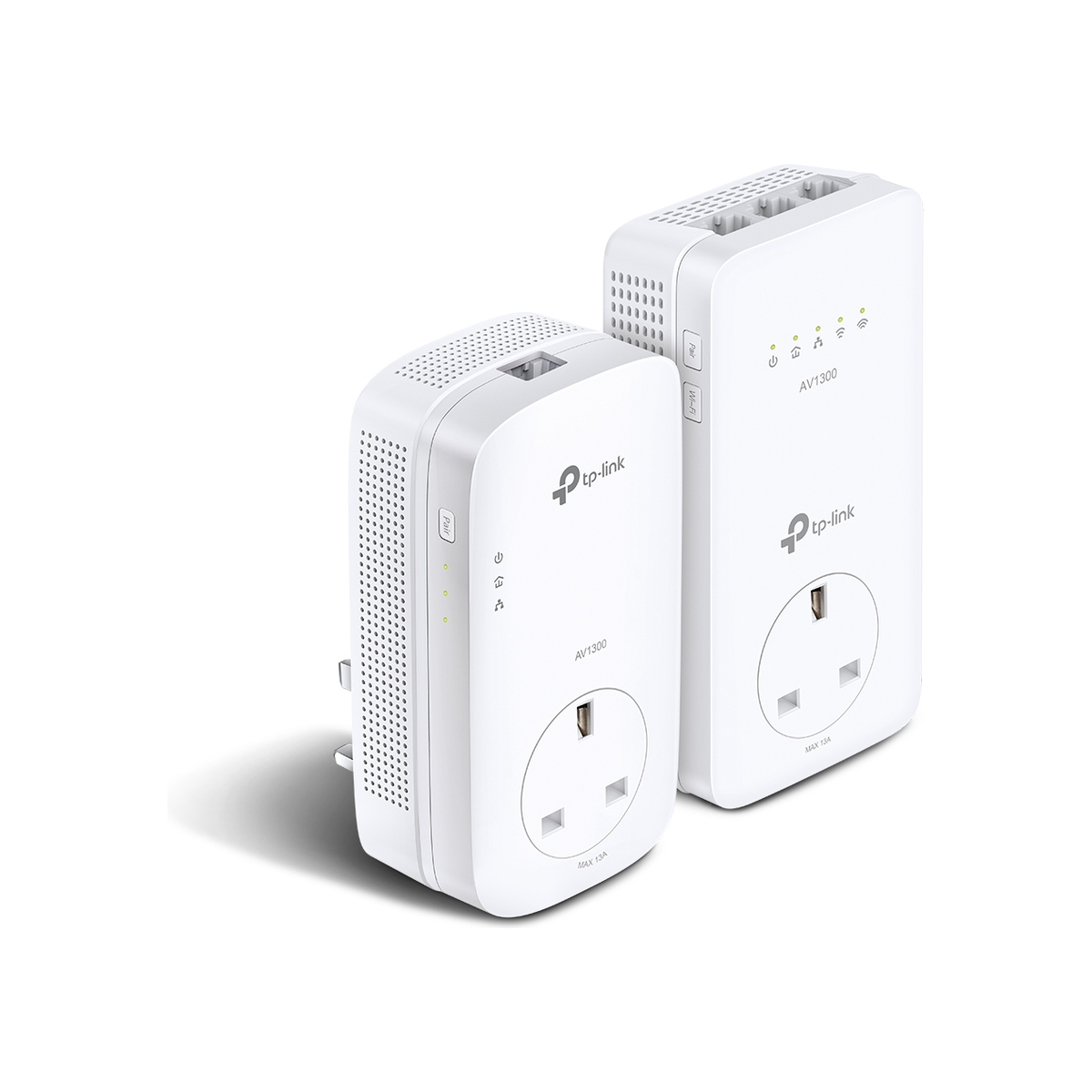
TP-Link TL-WPA8631P KIT AV1300 Gigabit Passthrough Powerline Wi-Fi Kit
A powerline kit that combines an AV1300 mains link, dual-band Wi-Fi at the remote unit, three Gigabit ports and UK passthrough sockets.
Browse matches on Amazon
TP-Link UE300 USB 3.0 to Gigabit Ethernet Network Adapter
A folding USB-A adapter that adds a Gigabit Ethernet port to laptops and other compatible computers without built-in wired networking.
Browse matches on Amazon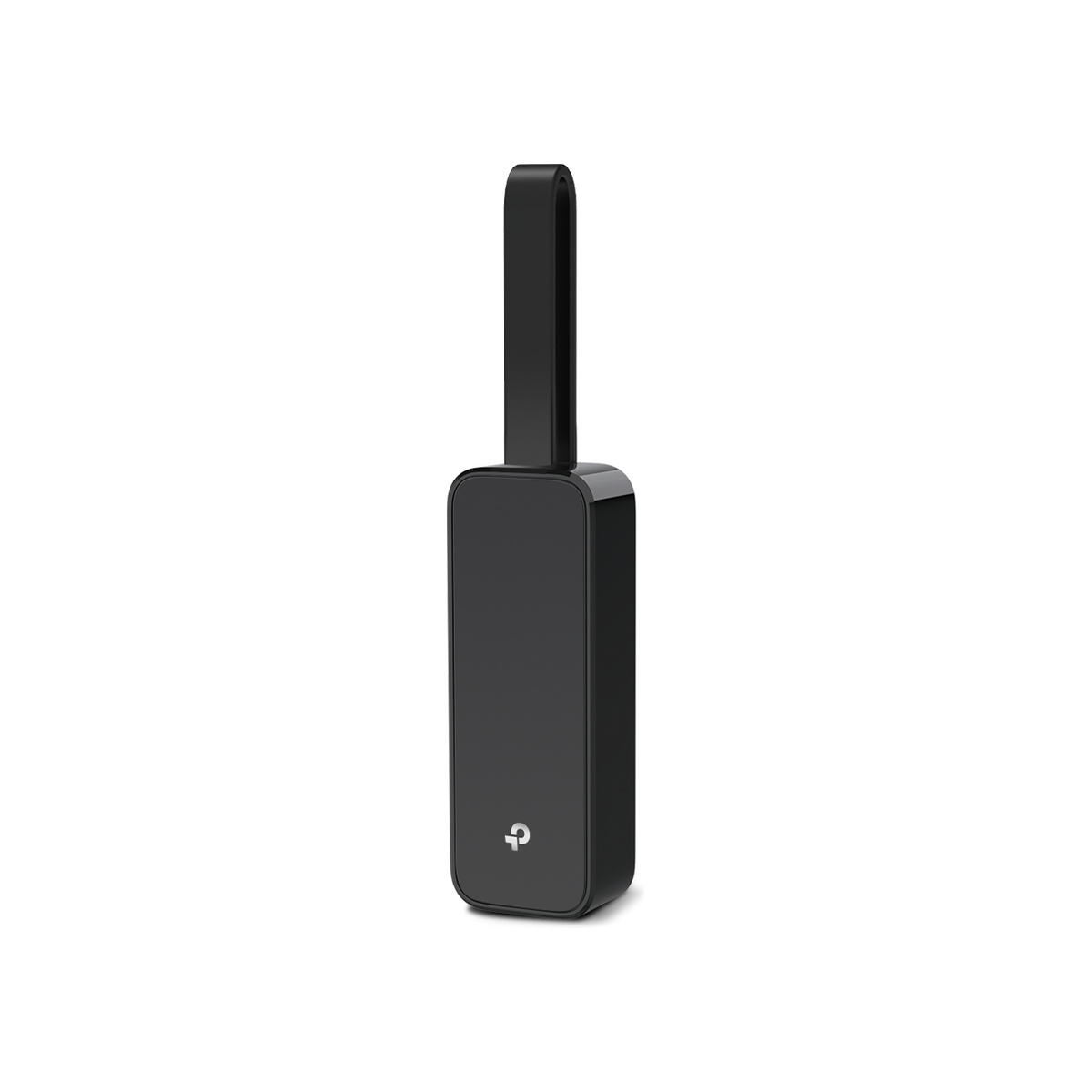
TP-Link UE306 USB 3.0 to Gigabit Ethernet Network Adapter
A compact USB-A Gigabit Ethernet adapter with a foldable cable, including support for compatible computers and Nintendo Switch docks.
Browse matches on Amazon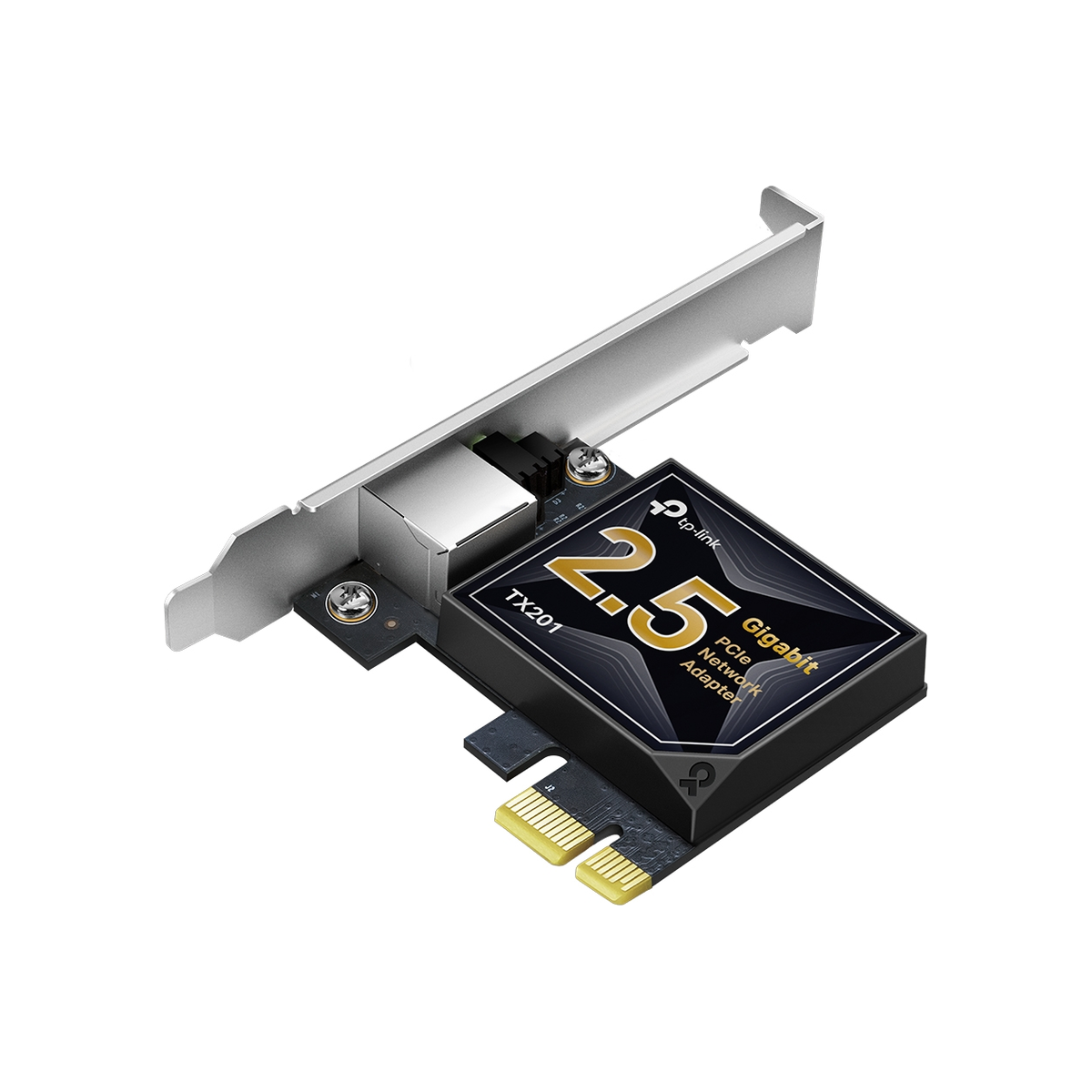
TP-Link TX201 2.5 Gigabit PCIe Network Adapter
A PCIe network card for desktop computers that adds one 2.5 Gigabit Ethernet port and includes standard and low-profile brackets.
Browse matches on Amazon